TubeHive Features
Organize YouTube around focus.
Explore the core TubeHive tools that help you structure channels, reduce distractions, save useful videos, and build intentional watching flows.
Chamber
Create Chambers for every interest
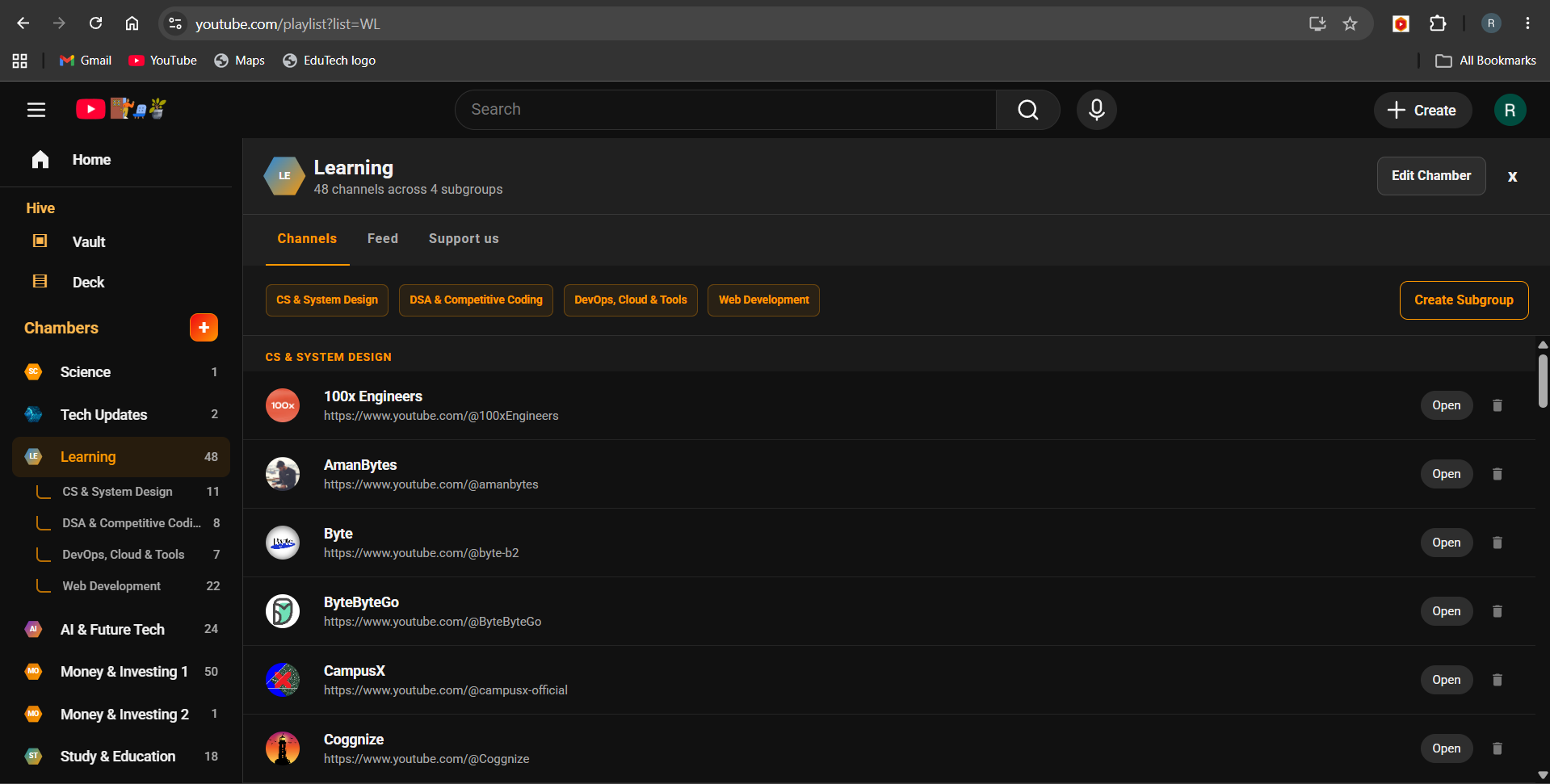
Turn your subscriptions into clean spaces like Tech, Study, Finance, Fitness, News, or Creative. Each Chamber keeps related channels together, so you can open one topic at a time and build a structure that matches your real watching habits.
Chamber management
Move, edit, and shape your Chambers
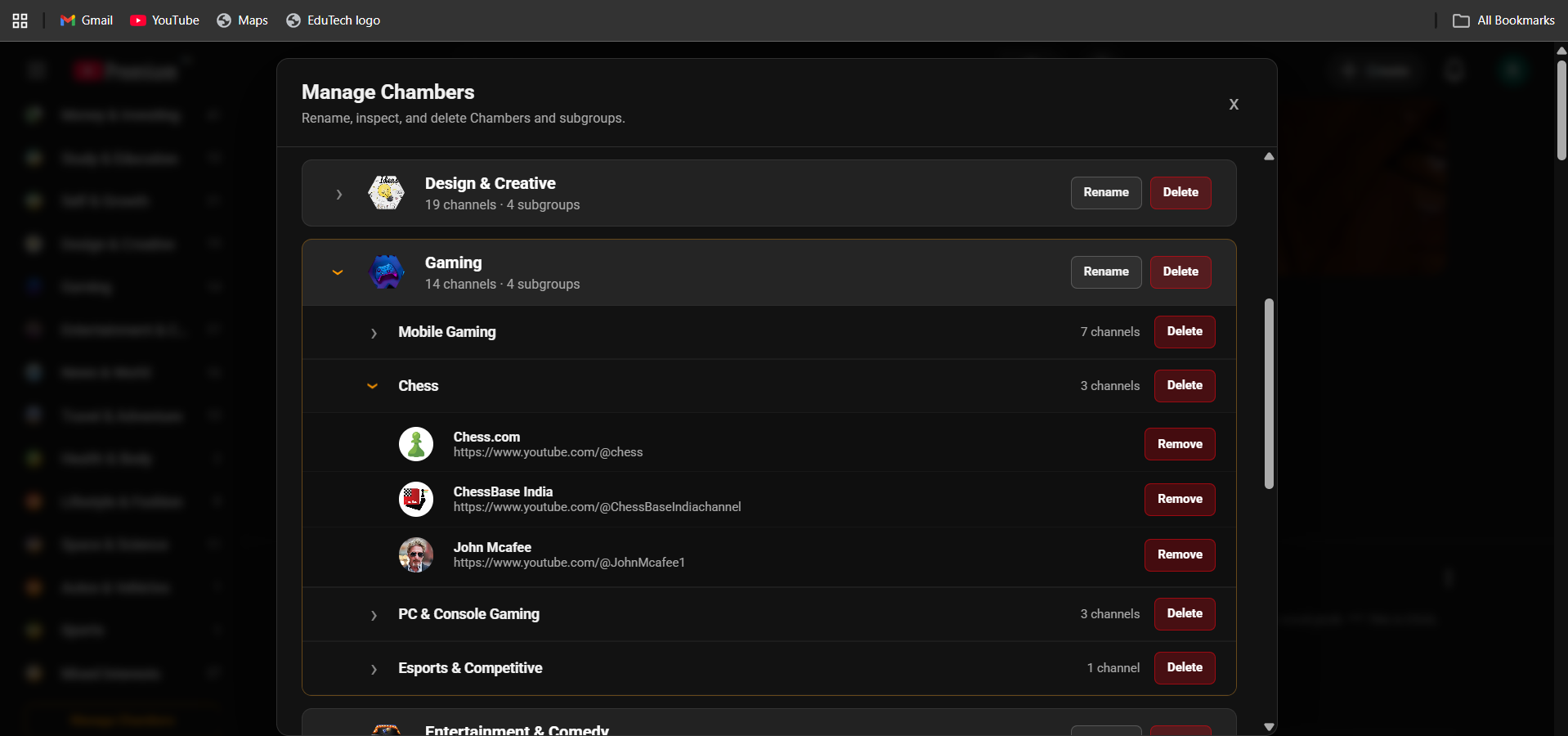
Chamber Management gives you control over how your channel system is arranged. Review your setup from one dedicated view, keep channel groups clean as your subscriptions grow, and refine categories without rebuilding everything.
Create
Create a new Chamber anytime
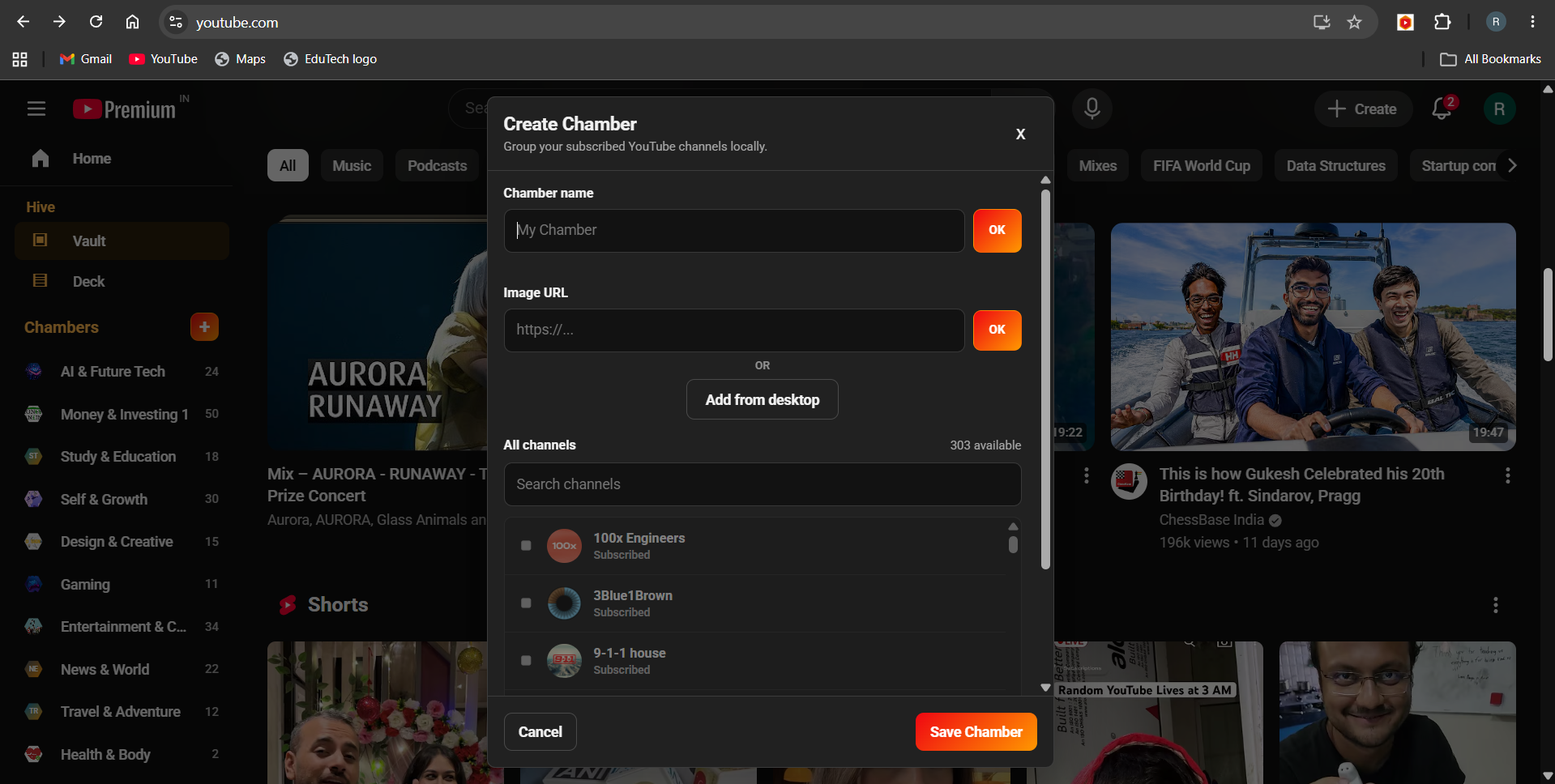
Add a fresh Chamber whenever a new interest, project, course, or workflow needs its own place inside YouTube. Name Chambers around the way you think, study, or work, and keep your system flexible as your interests grow.
Discover
Add newly discovered channels instantly
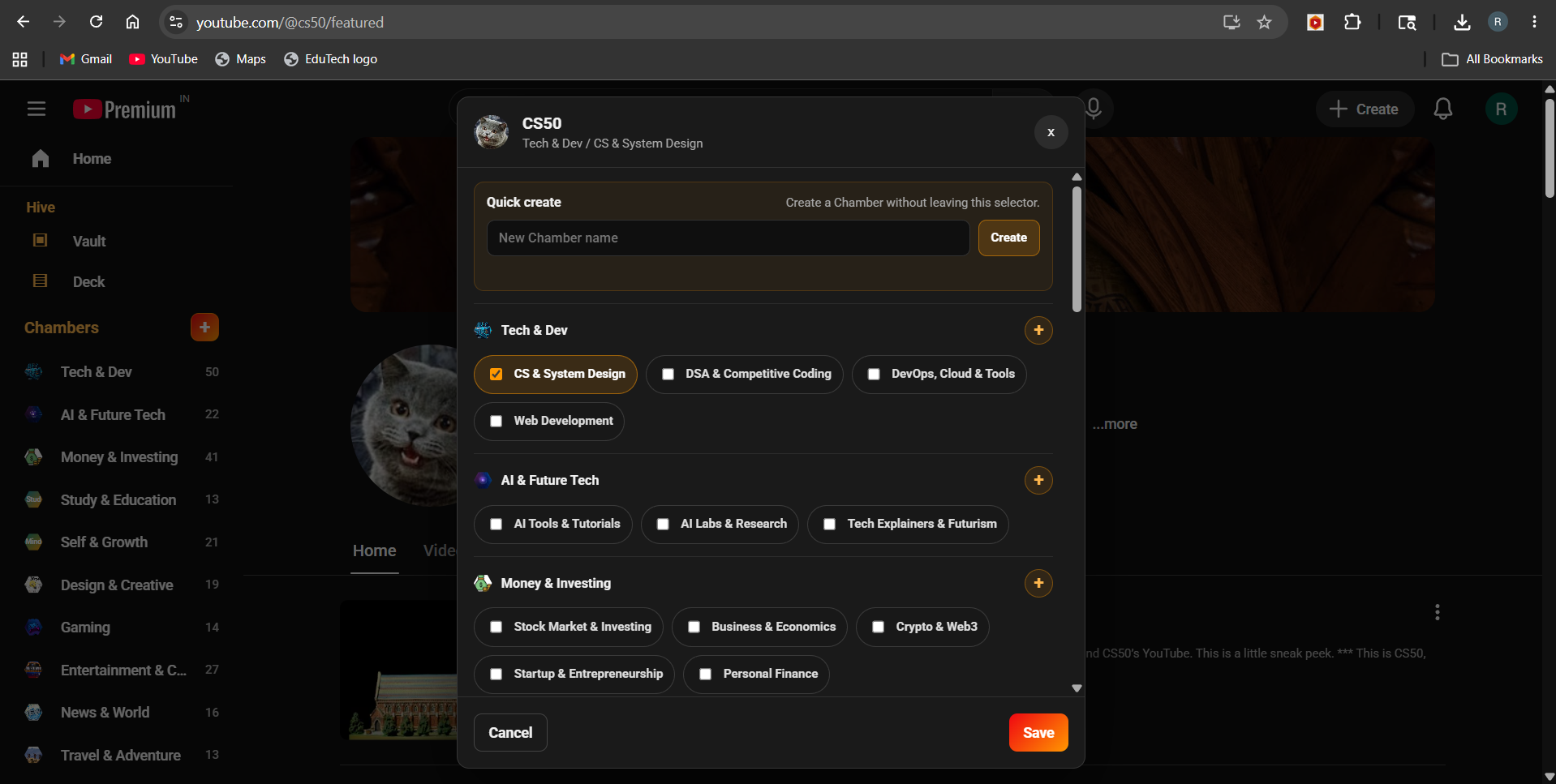
When you find a useful creator, TubeHive helps you place that channel into the right Chamber quickly. New discoveries stay connected to the right topic, so your Chambers improve over time instead of becoming messy.
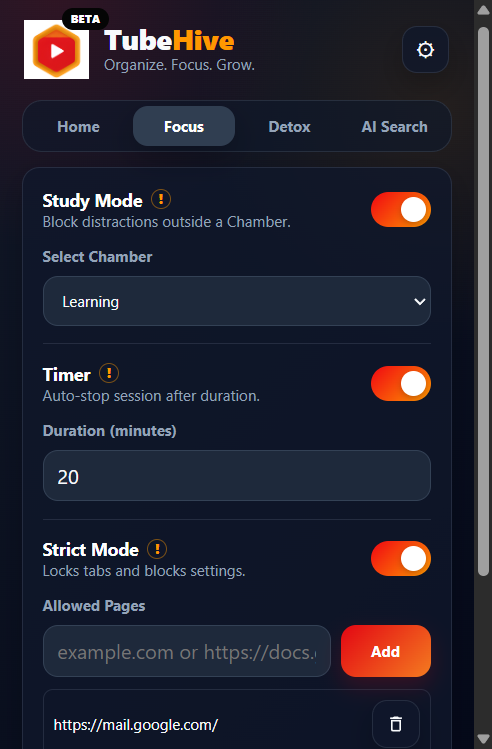
Focus
Stay inside the content zone you choose
Focus helps YouTube behave more like a workspace. Choose the channels or topics you want for a session, then reduce random browsing so study, work, and research time stays pointed in the right direction.
Detox
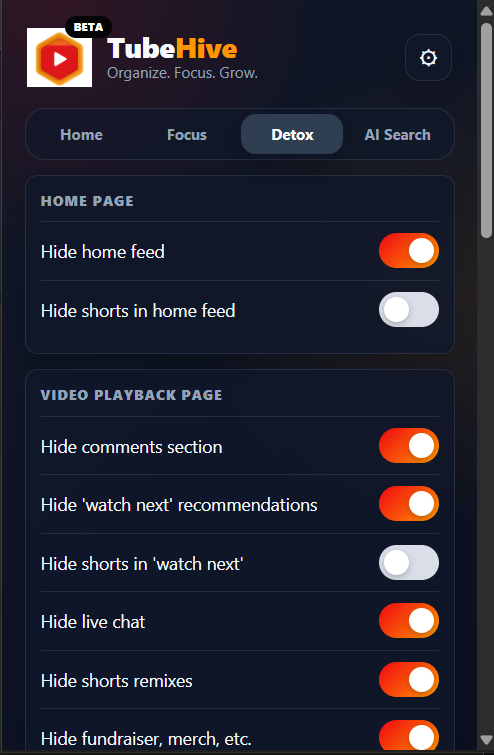
Clean up the distracting parts of YouTube
Detox lets you hide noisy surfaces like Shorts, comments, recommendations, search distractions, and live chat. The result is a calmer YouTube experience that supports learning instead of pulling attention everywhere.
Vault
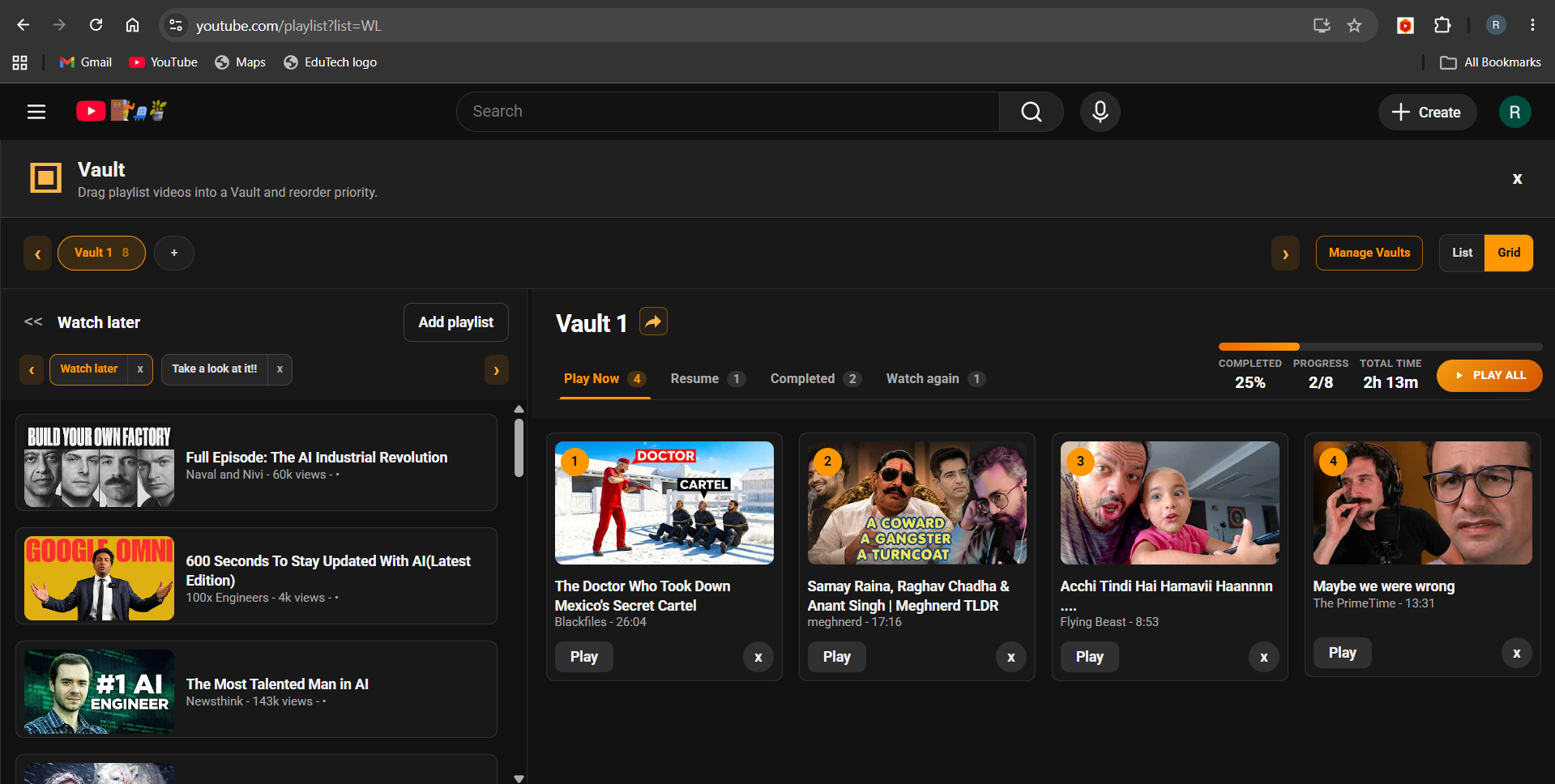
Save useful videos into a personal library
Vault keeps tutorials, research videos, inspiration, and revision material close. Instead of losing useful videos in history or browser tabs, you can save them into a dedicated space built for later watching.
Vault management
Manage saved videos with less clutter
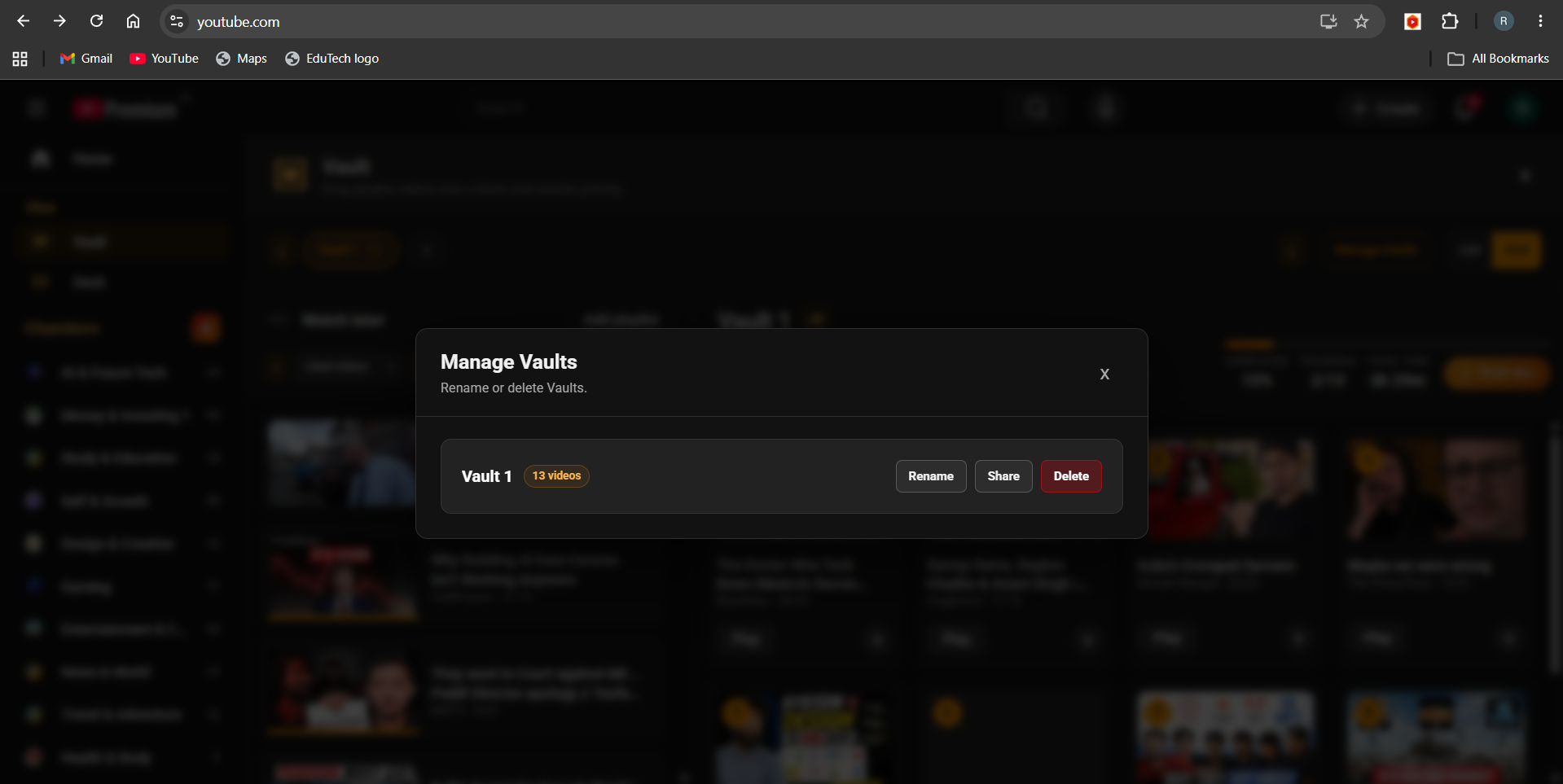
Vault Management helps keep saved content organized as your library grows. Review what you have collected, maintain useful collections, and keep your watching queue connected to your actual goals.
Vault views
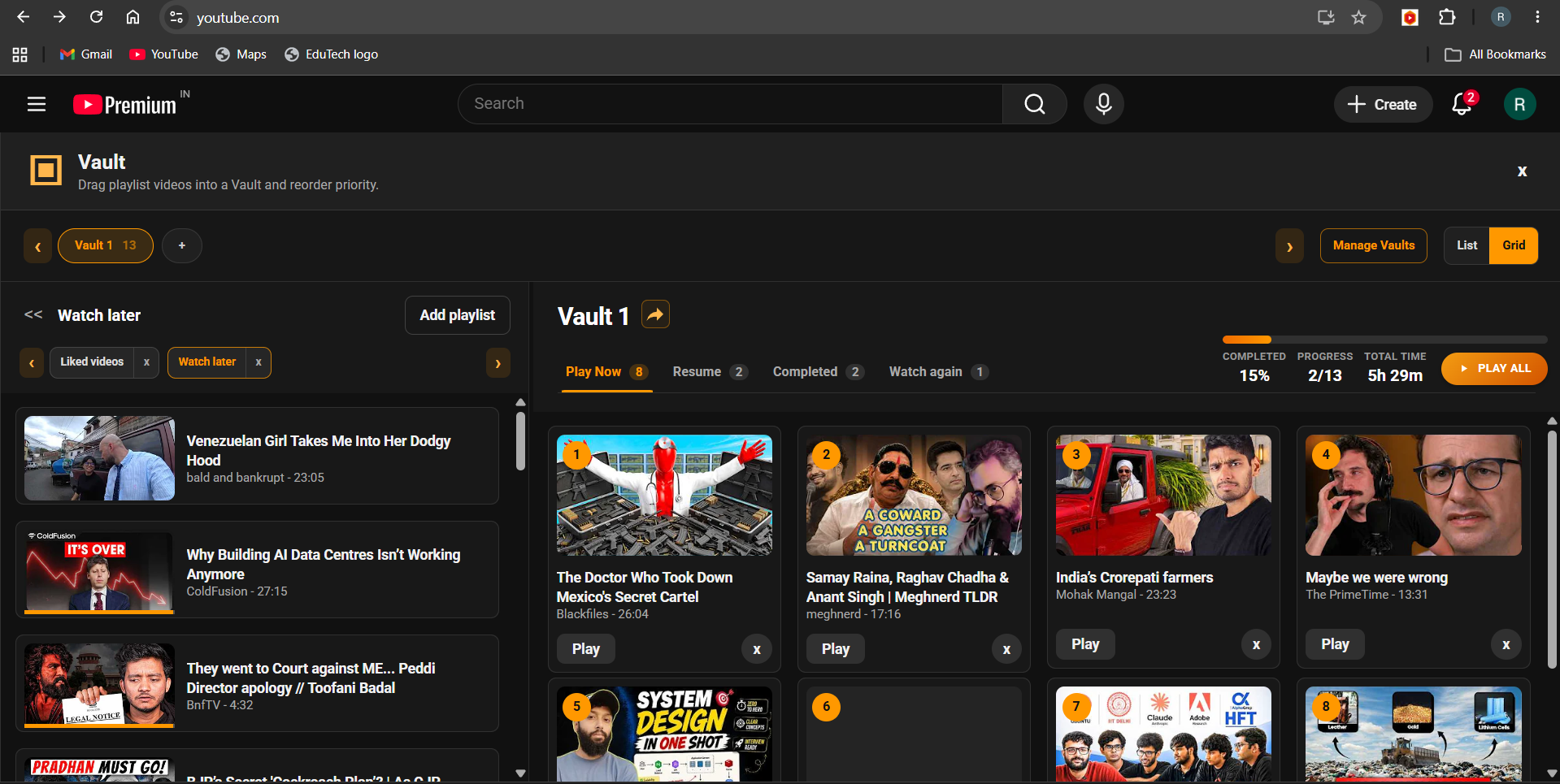
Switch between list and grid layouts
Use the viewing style that fits the moment. A list is useful when you want to scan titles quickly, while a grid makes saved videos easier to browse visually.
Share
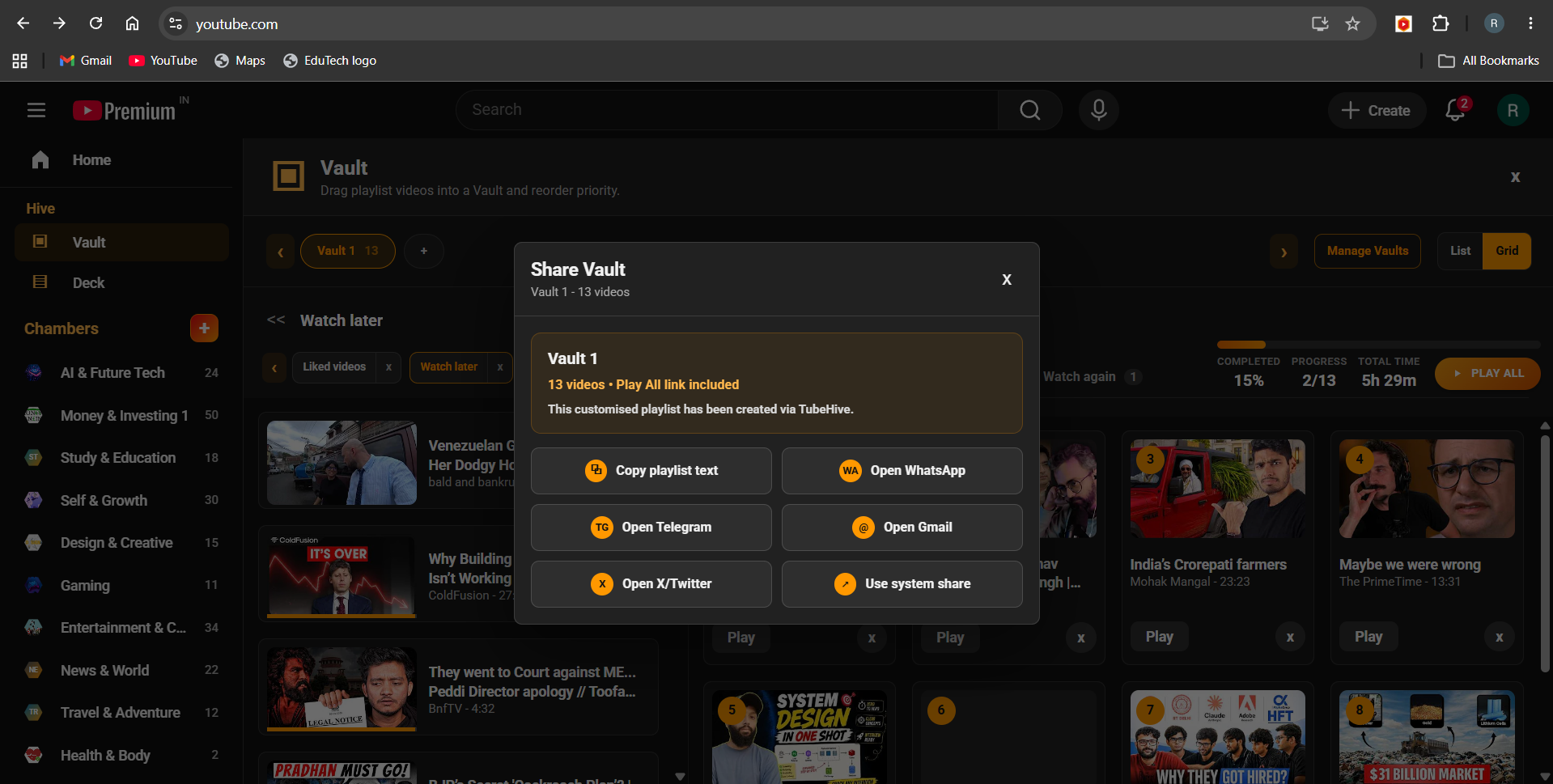
Share useful Vaults with others
When a collection becomes valuable, TubeHive makes it easier to share that organized set of videos with friends, classmates, teammates, or your audience.
Deck
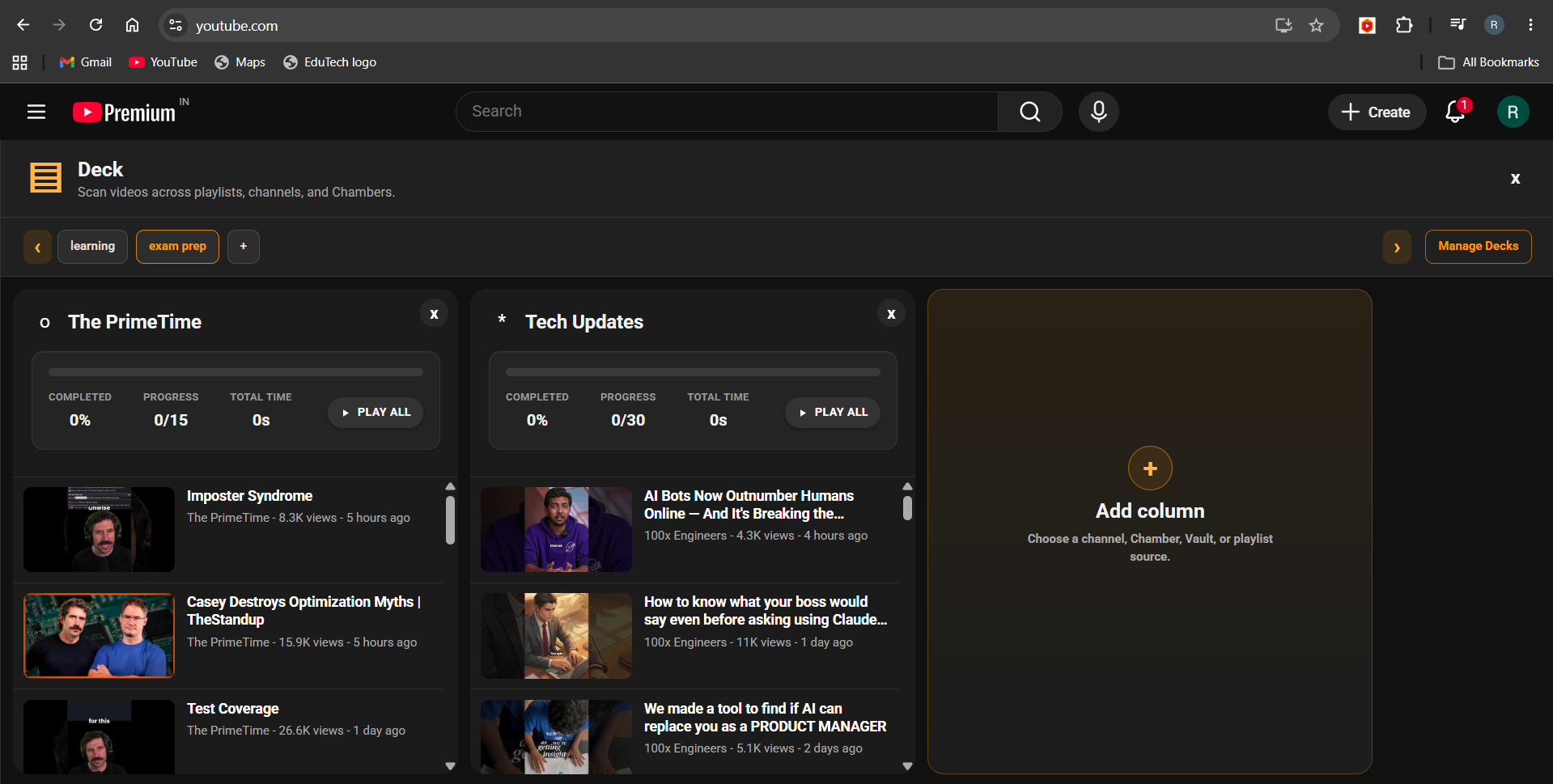
Build custom watch boards
Deck lets you create intentional video boards from playlists, saved videos, and organized channel groups. Use it for courses, project research, reference videos, or any watch flow that needs order.
Deck management
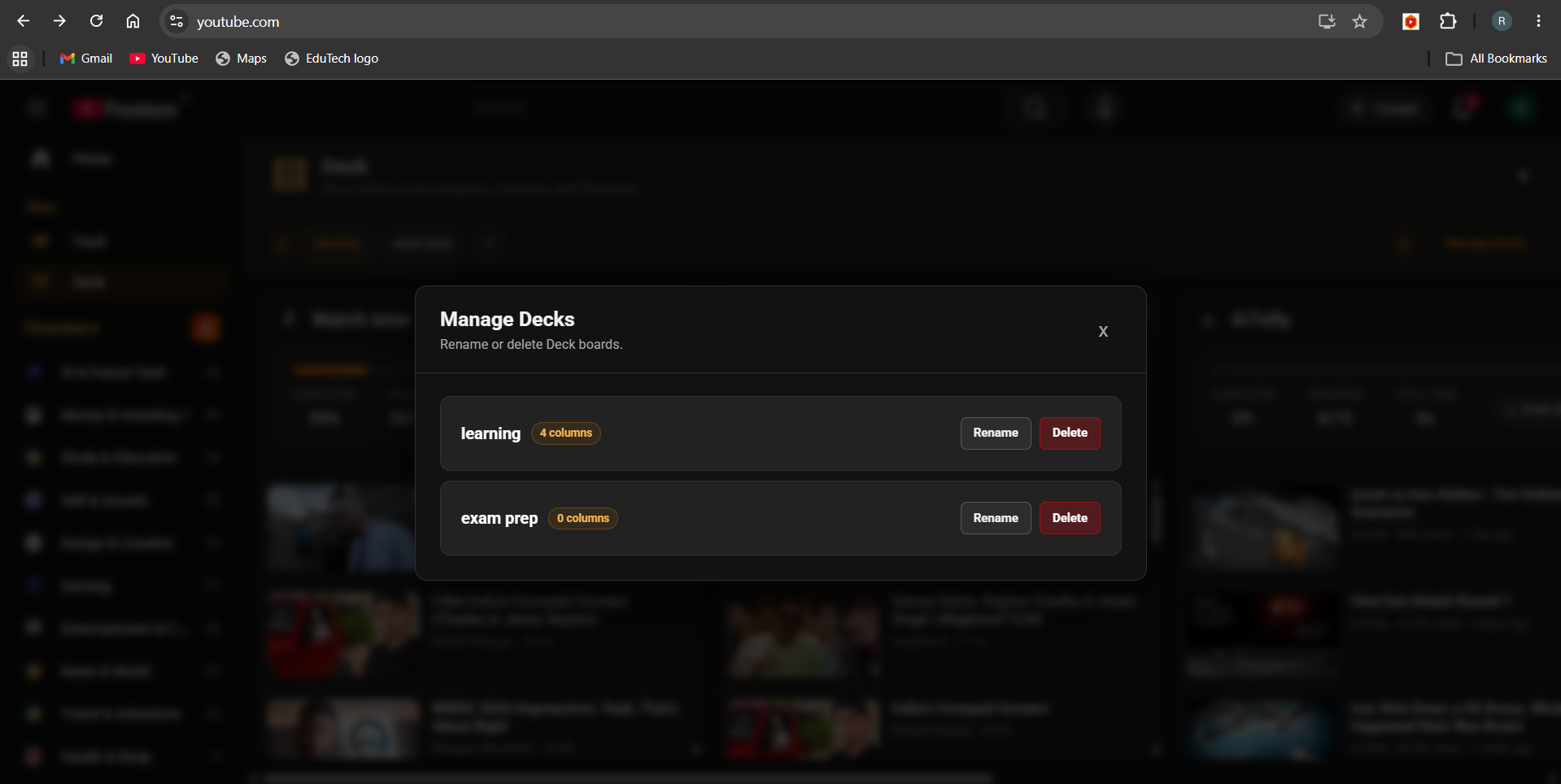
Control how your watch boards are arranged
Deck Management helps you keep custom video boards structured. Arrange boards around workflows, playlists, or topics so the next video is always part of the plan.
AI Search
Search similar creators with AI
AI Search helps you discover channels that match the creators, topics, and learning paths you already care about. Use it to find similar creators faster, expand a Chamber with better recommendations, and discover useful channels without digging through random results.